Have you ever left your car after a long day, only to find the radio still playing? That little hum can quietly drain your battery, and suddenly your car won’t start in the morning. I remember once forgetting to turn mine off and dealing with a dead battery, it was such a headache. The good news is, turning off your radio when the car is off is easier than you think. Let’s go through simple ways to fix it.
To turn off the radio when your car is off, first check if your vehicle has a manual power button or settings in the infotainment system to disable automatic power-on. Disconnecting the battery for a short time can also reset systems that keep the radio alive. Some vehicles allow you to change the accessory power mode in settings or by adjusting fuses. For aftermarket radios, use the wiring harness to disconnect the constant power line. Always test the radio after each change to confirm it shuts off when the ignition is off, and consult your owner’s manual for model-specific instructions.
Understanding Why Radios Stay On
Have you ever wondered why your car radio seems alive even when your engine isn’t? Modern vehicles often power the radio through the accessory circuit, which can remain active for a short period after the ignition is off. This feature is convenient if you want to finish a song or catch the news while parked, but it can drain your battery if you forget to switch it off. Older models, on the other hand, may have a constant power wire running directly from the battery, keeping the radio alive 24-7.
I remember helping a friend troubleshoot a radio that stayed on in a classic sedan. It turned out a tiny fuse labeled ACC had been replaced with the wrong amperage, allowing the radio to draw power continuously. Fixing it was simple once we located the right fuse. Understanding this wiring layout can prevent unnecessary battery drains and unexpected stalls. Additionally, vehicles with aftermarket stereos often have a bypass wiring setup that ignores ignition signals entirely, which is another common reason the radio stays on. Knowing how your system is powered is the first step to solving the problem.
- Accessory circuits can keep radios on temporarily
- Older models often have constant battery power wires
- Incorrect fuses or aftermarket wiring can cause continuous power
Checking Your Vehicle’s Settings
Many modern cars give you more control over electronics than we realize. Some infotainment systems let you adjust when the radio shuts off, typically found in the settings menu under “vehicle” or “power management.” You might see options like “Delay Off” or “Accessory Mode Duration,” which allow the radio to play for a few minutes after the engine is off. Tweaking these settings can prevent accidental battery drain without touching wires or fuses.
It’s easy to overlook this. I once spent an hour trying to figure out why a friend’s radio stayed on until we discovered the system was set to “Keep On for 20 Minutes.” Changing it to immediate shutdown fixed the problem instantly. Always check if your car has a “Sleep Mode” too, which can turn off all electronics after a certain period. Remember, some systems require you to turn the ignition fully off before the changes take effect. Also, if your vehicle has a keyless start, the accessory mode can sometimes stay active even after pressing the start button, so double-check that the system responds as expected.
- Infotainment settings often control power-off timing
- Delay Off or Sleep Mode can be adjusted
- Keyless start systems may require extra attention
Using the Power Button and Manual Controls
In many cars, the simplest way to turn off the radio is the old-fashioned way: a power button. Sounds obvious, right? But some radios are tricky. Pressing the power button while the car is running often only mutes the audio temporarily, leaving the system active in the background. For some models, holding the button for a few seconds ensures a full shutdown. I remember driving my aunt’s SUV and thinking the radio was off, only to return later and find the screen still glowing. Holding the button solved it immediately.
Another trick is using volume and menu controls together. Certain infotainment systems respond to long presses of the volume knob or a combination of buttons to fully power down the radio. Reading your owner’s manual can save a lot of trial and error here, especially since each manufacturer has slightly different sequences. If you have a newer touchscreen system, sometimes the radio shuts down completely only after turning off the ignition and closing the driver’s door, which was a subtle detail I once overlooked during a cold winter morning.
- Holding the power button can fully shut down some radios
- Certain button combinations or long presses may be required
- Some touchscreens need ignition off and door closed to power down
Adjusting Fuses or Wiring
If your radio still won’t turn off, it might be drawing constant power from the battery. Checking fuses and wiring can solve the problem, though it requires a bit more confidence under the hood. Start by locating the fuse box and finding the one labeled ACC, Radio, or Stereo. Inspect it for damage and ensure it is the correct amperage for your vehicle. Swapping fuses without checking the manual can cause permanent damage, so double-check before touching anything.
Wiring issues are also common with aftermarket radios. Many installers connect the red wire to constant battery power, bypassing the ignition signal. Rewiring it to the accessory power wire ensures it only turns on with the ignition. I remember a neighbor who installed a high-end stereo, only to drain the car battery repeatedly because the installer missed this step. With a few careful tweaks, the radio powered down exactly when the car was off. Always test after adjusting wires and never force connections, as even a small spark can be dangerous.
- Check fuses labeled ACC, Radio, or Stereo
- Use correct amperage to avoid damage
- Aftermarket wiring may need adjustment to accessory power
Disconnecting the Battery Safely
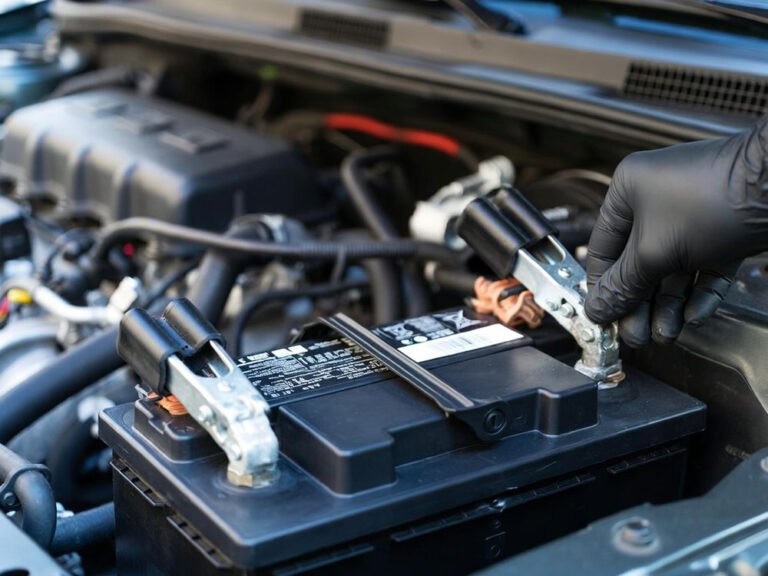
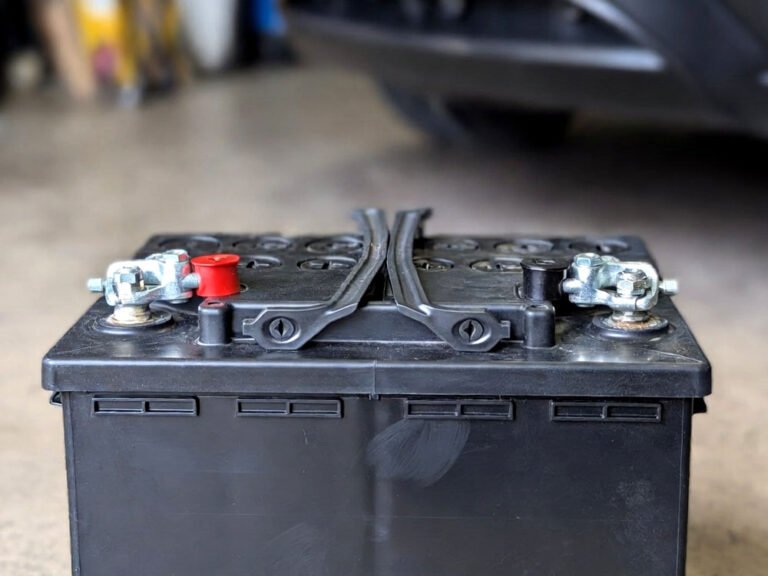
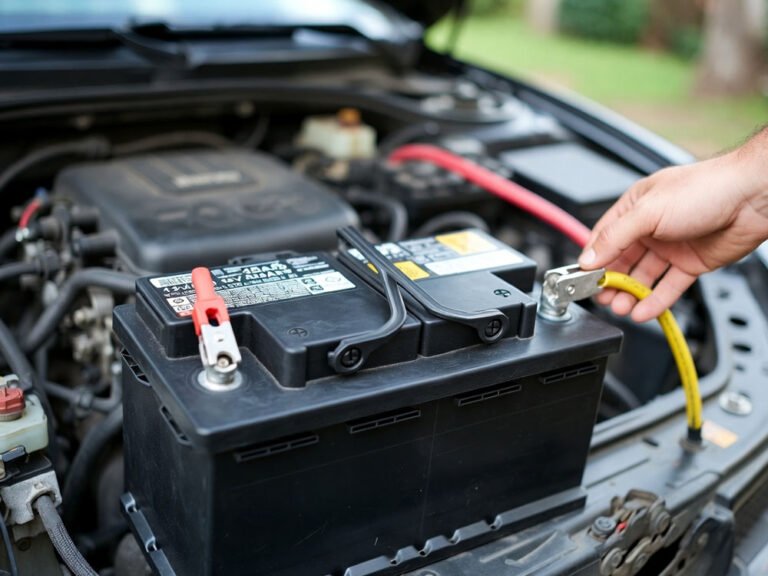
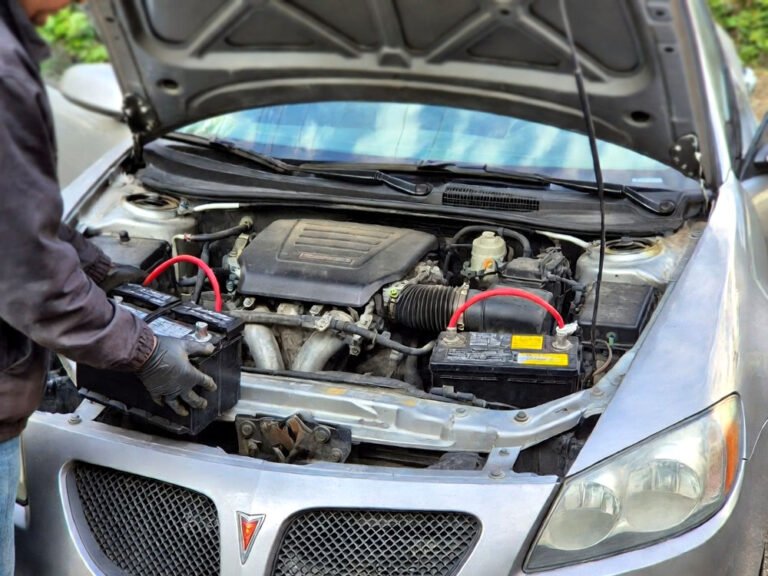
Sometimes, the easiest way to stop a stubborn radio is a quick battery disconnect. This is especially useful if you are troubleshooting or preparing for long-term storage. Make sure the car is completely off, including lights and doors, then use a wrench to disconnect the negative terminal first. This prevents accidental shorts and protects the car’s electronics. Keep in mind, doing this may reset some settings in your infotainment or security system.
I recall disconnecting my own battery during a summer road trip when the radio refused to turn off after a fuse swap. The car restarted without any issues, and the radio behaved normally afterward. For longer storage periods, it’s wise to use a battery maintainer to prevent complete drain. Reconnecting the battery is simply reversing the steps, attaching the positive terminal last. This method is simple, safe, and effective if nothing else works. Always wear gloves and eye protection when handling battery terminals to avoid acid burns or sparks.
- Disconnect negative terminal first to prevent shorts
- Battery removal may reset radio and infotainment settings
- Use gloves and eye protection for safety
Using Aftermarket Solutions
If your factory radio refuses to cooperate, aftermarket solutions can help. Power management modules, remote start inhibitors, or smart battery disconnects allow you to control exactly when electronics power down. Many modules even integrate with your smartphone to schedule power off automatically. I helped a friend install a simple module that cut off the radio and interior lights after five minutes of inactivity. It felt like magic the first time the car stayed perfectly quiet overnight.
Aftermarket radios often come with programmable power settings too. This can be especially handy if you like to listen to music in the driveway without turning on the engine. Some devices are plug-and-play, while others require professional installation. It may feel a little overwhelming at first, but investing a few minutes learning these features pays off with fewer dead batteries and less worry about accidental drains. Always follow instructions carefully and double-check compatibility with your car model to avoid electrical mishaps.
- Aftermarket modules can automate power-off
- Many radios allow programmable shutdown
- Always confirm compatibility with your vehicle
Final Thoughts
Turning off your radio when the car is off is a simple habit that prevents dead batteries and frustration. Between checking settings, using the power button correctly, and considering fuses or aftermarket solutions, you can keep your electronics under control. A little patience and understanding of your car’s system can save you time, money, and stress, letting you enjoy your drive without surprises.
| Action | Details | Tips |
|---|---|---|
| Check infotainment settings | Look for Delay Off, Sleep Mode, or Accessory Mode Duration | Adjust to immediate shutdown to save battery |
| Use power button | Press or hold the power button to fully turn off | Some models require long presses or combinations |
| Inspect fuses | Locate ACC, Radio, or Stereo fuses | Ensure correct amperage to avoid damage |
| Rewire aftermarket radios | Connect red wire to accessory power | Prevents battery drain while parked |
| Disconnect battery | Remove negative terminal first | Resets electronics and stops constant draw |
| Use power modules | Install smart battery disconnect or timer | Automate radio shutdown |
| Test after changes | Turn ignition off and check radio | Confirms modifications worked |
| Monitor battery | Check voltage occasionally | Avoid surprises if vehicle sits for long periods |
Frequently Asked Questions (FAQs)
Is it normal for a radio to stay on after the car is off?
Yes, many modern cars allow the radio to remain on for a short time in accessory mode. This is designed for convenience so you can finish a song or adjust settings without running the engine. However, if it stays on indefinitely, it could indicate a wiring issue, incorrect fuse, or aftermarket stereo installation. Regularly checking the settings and power sources can prevent unnecessary battery drain.
Can I turn off the radio without touching the ignition?
Yes, most radios have a manual power button or menu option to turn off the system independently. Some touchscreens may require a combination of button presses or holding the volume knob. Checking your vehicle’s manual is important because the shutdown sequence varies by manufacturer and model year.
Do I need to disconnect the battery to stop the radio?
Not always. Disconnecting the battery is a last-resort solution if fuses, settings, and power buttons fail. It safely stops constant power draw but may reset radio presets, infotainment settings, and clocks. Always disconnect the negative terminal first and follow safety precautions like gloves and eye protection.
Is it safe to change fuses to turn off the radio?
Yes, if you follow the manual and replace them with the correct amperage. Using a higher or lower fuse can damage electronics or cause a fire. Always inspect the fuse visually and use a multimeter if you are unsure. Avoid touching live circuits without precautions.
Can aftermarket radios cause the radio to stay on?
Absolutely. Many aftermarket radios are wired to constant power for convenience, ignoring the ignition signal. Rewiring to the accessory power line ensures it shuts off when the car is off. Testing the system afterward is critical to prevent battery drain.
Do all cars have accessory power modes for radios?
Most modern vehicles do, but older models may not. Older cars often have radios connected directly to battery power, keeping them always on unless turned off manually. Checking your owner’s manual or consulting a professional can clarify your car’s specific configuration.
Is it necessary to adjust infotainment settings to save battery?
Yes, tweaking settings like Delay Off, Sleep Mode, or Accessory Mode Duration can prevent unnecessary battery drain. Some systems allow you to set immediate shutdown after turning off the ignition, which is especially helpful if you frequently park without starting the engine.
Can using a smart battery disconnect help?
Yes, a smart battery disconnect or power management module can automatically cut power to the radio and other electronics after a set period. This is especially useful for vehicles with aftermarket radios or older systems prone to draining the battery when parked.