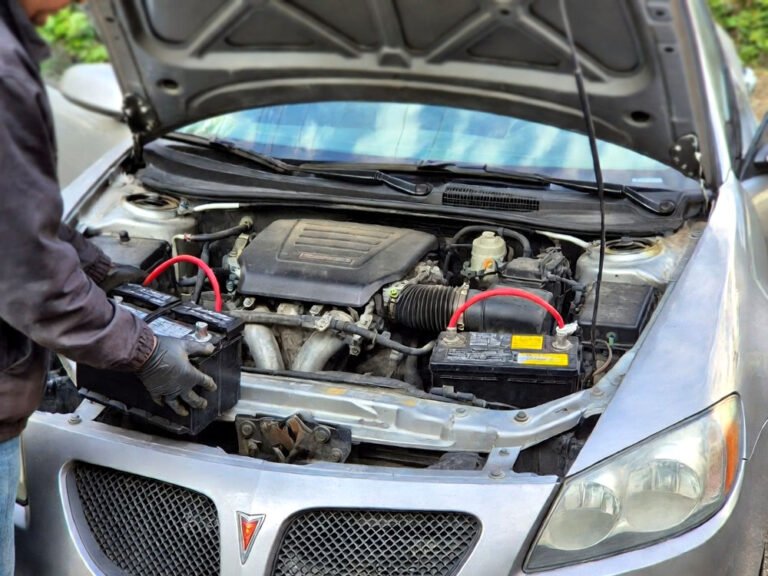
Sometimes I see a driver stare at a blank radio screen like they just saw a ghost. It happens right after they swap an old battery for a new one. Their clock is wrong, the seat won’t move, and the radio is locked. You can avoid this headache if you know how to change car battery without losing settings. I will show you how to keep your car’s brain alive while you switch the power.
You need to keep a small flow of power going to the car computer while the main battery is gone. First, get a memory saver tool or a jump starter with a 12V outlet. Plug the saver into your OBD2 port or the cigarette lighter before you touch the battery terminals. Loosen the negative cable first and then the positive one carefully. Put the new battery in and hook up the positive side before the negative side. Finally, unplug your memory saver and check if your clock and radio stations are still there.
Why Does Your Car Forget Everything when the Power Goes out?
Your car has a tiny computer that stays awake even when the engine is off. This computer needs a little bit of electricity to remember your favorite radio stations. It also tracks how you drive to save fuel. When you pull the battery cables, that power vanishes instantly. The computer resets to the factory defaults because its “memory” is cleared.
Modern cars are even more sensitive than older models. They store settings for your power seats, mirrors, and even the idle speed of the engine. If the power cuts out, the car might run rough for a few days. It is trying to relearn how to breathe and shift gears. This is why keeping the power flowing is so important for your vehicle.
You can prevent these issues by using a backup power source. These tools are cheap and very easy to use at home. Most people don’t know about them, but they save a lot of time. You won’t have to hunt for radio codes or fix your clock. It makes the whole job much smoother for any DIY mechanic.
- The computer loses temporary data without a constant power flow.
- Radio anti-theft codes might lock you out of your music.
- Power seat memory positions will often disappear completely.
- The engine computer might reset its fuel trim data.
- One-touch window functions often stop working after a reset.
- Digital clocks will blink or show the wrong time.
The Best Way to Keep Your Car Settings Safe During a Battery Swap
Get the Right Tools for the Job
You don’t need a huge toolbox to do this right. A simple OBD2 memory saver is my favorite secret weapon. It is a small cable that plugs into the port under your dashboard. The other end connects to a 9-volt battery or another car. This keeps the electrical system alive while the big battery is sitting on the ground.
Make sure your backup battery is fresh before you start. If you use a 9-volt battery, buy a brand-new one from the store. A weak backup battery will fail halfway through the job. Then you are back at square one with a cleared computer. It is a small price to pay for a lot of peace of mind.
I always tell my friends to double-check the connections. If the plug feels loose, the power might flicker. A flicker is just as bad as a total blackout. Take your time to make sure everything is snug and ready. You want a steady stream of juice for the best results.
- Check your OBD2 port for any dirt or dust first.
- Use a high-quality 9V alkaline battery for the saver.
- Keep a pair of gloves handy to protect your hands.
- Ensure the backup tool has a light showing it is working.
Prepare Your Work Area and the Vehicle
Find a flat spot to park your car and turn off every single light. This includes the dome light and the trunk light. If a light stays on, it will drain your tiny backup battery very fast. You want the car to be as “sleepy” as possible. Pop the hood and make sure it stays open securely.
I like to roll down the driver’s window just an inch or two. Sometimes, a car might try to lock the doors when the power shifts. You don’t want to be locked out of your own ride. It sounds funny, but I have seen it happen to the best of us. Better safe than sorry when working with car electronics.
Gather your wrenches and your new battery before you unhook anything. You want to work quickly once the old battery is out. The less time the car spends on the backup power, the better. Have the new battery sitting right next to the fender so you can grab it fast.
- Turn off the headlights and the interior cabin lights.
- Remove the key from the ignition and keep it in your pocket.
- Clear any clutter away from the battery tray area.
- Check that the new battery is fully charged and ready.
Connect the Memory Saver Tool Properly
Plug your memory saver into the OBD2 port under the dash. You will usually find it near the steering wheel column. Most tools have a little red light that glows when the connection is good. If you don’t see a light, try wiggling the plug a little bit. It has to be perfect.
If you are using a cigarette lighter version, make sure that outlet works without the key. Some cars turn off that outlet when the ignition is off. If that is the case, the saver won’t do anything at all. You can test this by trying to charge your phone with the car off. If it charges, you are good to go.
This is the part where most people get nervous, but don’t worry. As long as that little light is on, your settings are safe. The car thinks it still has a battery attached. It is like a tiny bridge of power that keeps the computer happy. Just move carefully and don’t jerk the wires.
- Verify the LED light on the saver tool is glowing bright.
- Make sure the cables are not in the way of the pedals.
- Keep the backup battery in a stable spot on the floor.
- Don’t turn on any electronics once the saver is plugged in.
Remove the Old Battery with Care
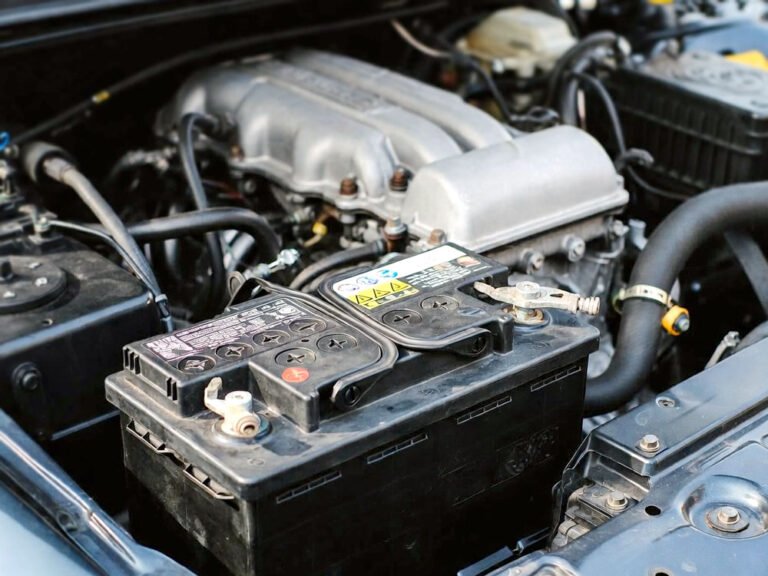
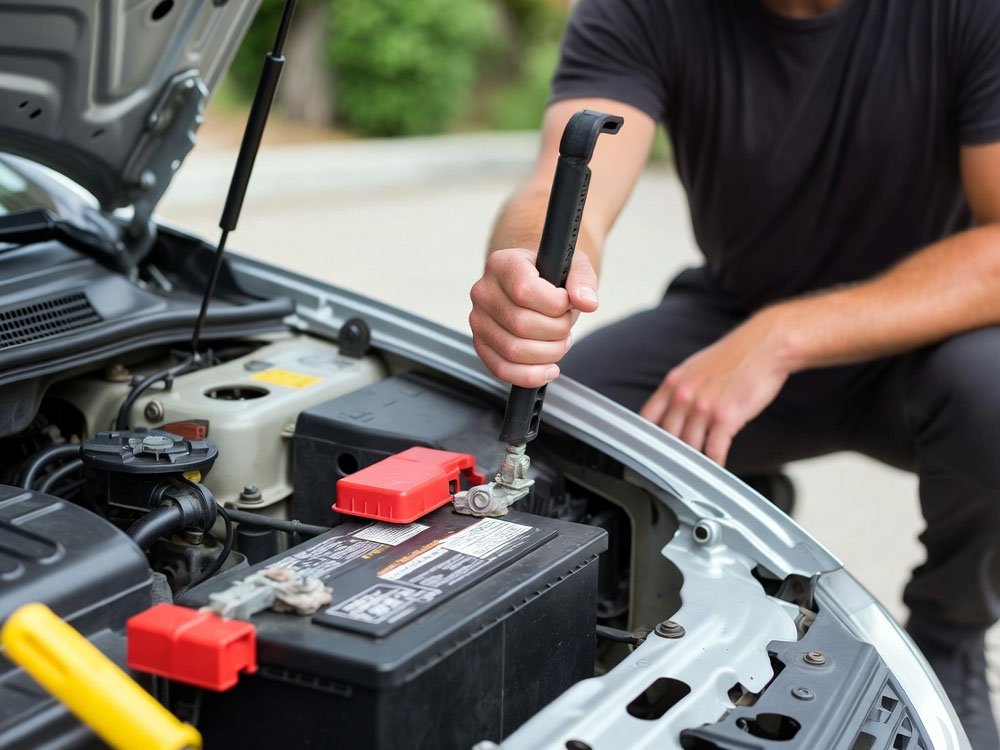
Start by loosening the nut on the negative cable terminal. This is the one with the minus sign or the black cover. Always take the negative off first to prevent sparks. If your wrench hits the metal frame while touching the positive side, you could get a nasty shock. Safety is the most important part of this.
Once the negative cable is off, wrap it in a dry rag. This keeps it from touching anything metal and completing a circuit. Then, do the same for the positive cable. Move the cables out of the way so they don’t fall back onto the battery posts. You want a clear path to lift the heavy battery out.
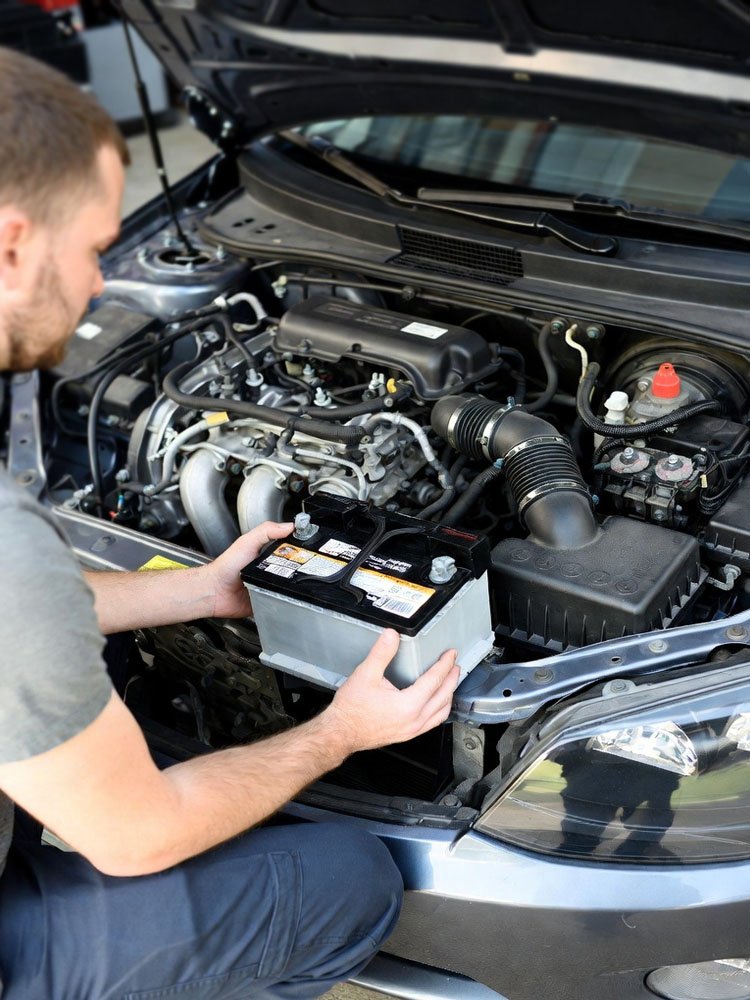
Unscrew the hold-down bracket that keeps the battery from sliding around. These bolts can be rusty, so turn them slowly. Lift the battery straight up and set it on the ground. Be careful because batteries are much heavier than they look. Your car is now living off that tiny backup power you plugged in.
- Always remove the negative (black) cable before the positive.
- Cover the cable ends with a cloth or a rubber glove.
- Keep the battery upright so no acid leaks out.
- Use a steady grip and lift with your legs, not your back.
Install the New Battery and Reconnect Everything
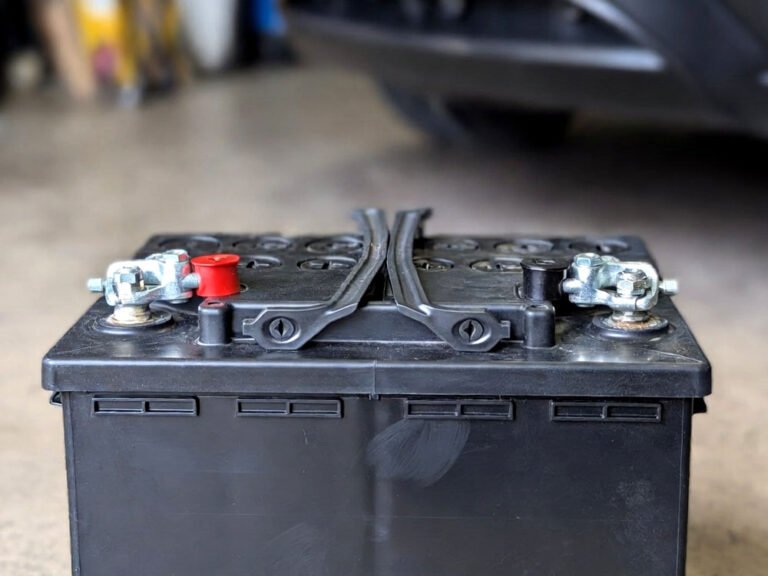
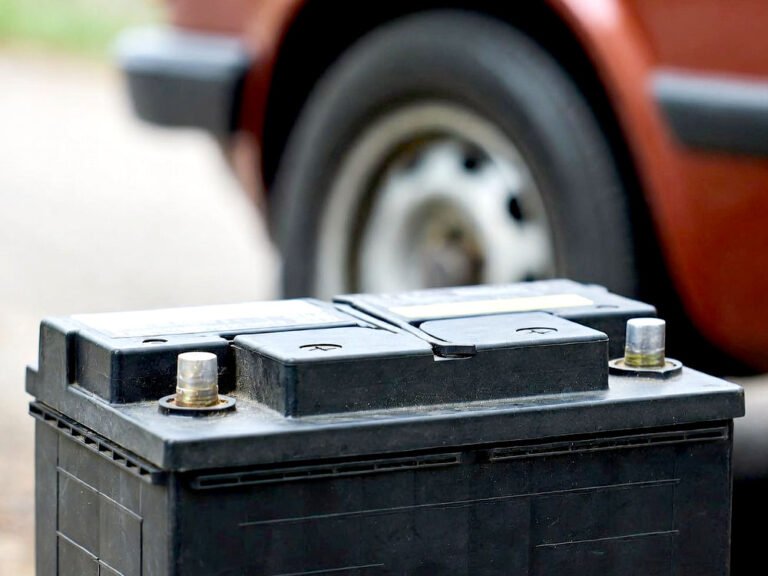
Set the new battery into the tray and make sure it faces the right way. The positive post must be near the positive cable. If you put it in backward, you can blow every fuse in the car. Look for the plus and minus signs on the battery casing to be 100% sure.
Attach the positive cable first this time. This is the reverse of how you took it off. Tighten the nut until the cable won’t move when you wiggle it. Then, attach the negative cable. You might see a tiny spark when the negative touches, but that is normal. It just means the car is taking in the big power again.
Put the hold-down bracket back on and tighten it up. Give the battery a little shake to make sure it is solid. If it moves, the vibration can damage the insides over time. Once everything is tight under the hood, you can go back inside the car. The hard part is officially over.
- Clean the cable ends with a wire brush before connecting.
- Hook up the positive (red) cable before the negative one.
- Tighten the terminals so they are snug but not crushed.
- Apply a bit of battery grease to prevent future rust.
Testing the Results and Finishing Up
Go to the dashboard and unplug the memory saver tool. Now comes the moment of truth. Put your key in and turn the car to the “on” position. Look at the clock and the radio. If you did it right, the time should be correct and your stations should still be there.
Start the engine to make sure the new battery has plenty of cranking power. It should roar to life much faster than it did with the old, tired battery. Check your power windows and seats to see if they move like they should. If everything works, you just saved yourself a trip to the dealer.
Lastly, take your old battery to a shop that recycles them. Most auto parts stores will even give you a few dollars back for it. It is good for the earth and good for your wallet. You should feel proud because you just did a pro-level job all by yourself.
- Check the dashboard for any new warning lights or errors.
- Test the radio to see if your presets are still saved.
- Verify that the clock shows the right time of day.
- Recycle the old battery at a local parts store for a core refund.
Can I Use a Jump Starter instead of a Memory Saver?
Yes, you can use a jump starter if it has a 12V power outlet. You will need a special adapter cable that goes from the jump starter to your OBD2 port. This works just like the small memory savers but has a lot more power. It is a great choice if you already own a portable jump pack in your trunk.
Just be careful not to turn on the “jump” mode while it is plugged into the dash. You only want the low-voltage power supply. Some jump starters have a “supply” button specifically for this reason. Read your manual to make sure you are using the right setting for a memory saver.
Using a jump pack is often safer than using a tiny 9-volt battery. It can hold the memory for hours if you run into trouble. If the battery tray is stuck or a bolt breaks, you won’t have to rush. It gives you plenty of time to fix any small problems that pop up during the swap.
- Ensure the jump starter is fully charged before you begin.
- Use a high-quality 12V to OBD2 adapter cable for safety.
- Turn off the high-amp jump start feature on the device.
- Keep the jump pack on the floor so it doesn’t fall.
- Confirm the connection is tight before removing the old battery.
- Check the device screen for the current voltage output.
Final Thoughts
I hope you feel ready to tackle this job now. It might seem a bit scary at first, but it is actually quite simple. Using a memory saver is the secret to a stress-free day. Now you know how to change car battery without losing settings like a total pro. Just take your time, stay safe, and enjoy that perfectly set clock when you are finished. You’ve got this!
| Item Needed | Purpose | Difficulty Level |
| Memory Saver | Keeps power to the car computer | Very Easy |
| New Battery | Replaces the old dead unit | Medium |
| Wrench Set | To loosen and tighten the terminals | Easy |
| Wire Brush | Cleans the metal connections | Easy |
| Rags | Prevents cables from touching metal | Very Easy |
| 9V Battery | Power source for basic savers | Very Easy |
Frequently Asked Questions (FAQs)
Is it safe to use a 9V battery as a memory saver?
Yes, it is very safe as long as you use a fresh battery. A 9V battery has enough juice to keep the computer memory alive for a short time. However, it cannot power lights or fans. Make sure everything is turned off so the small battery does not drain in seconds.
Can I change my battery without any special tools?
You can change the battery with just a wrench, but you will lose your settings. Without a memory saver, the car will reset to factory mode. If you don’t mind fixing the clock and radio, you don’t need the saver. But for modern cars, the saver makes life much easier.
Do I need a radio code after changing the battery?
If you don’t use a memory saver, you might need a code. Many older cars have anti-theft radios that lock up when power is lost. You can usually find this code in your owner’s manual. If you use the memory saver correctly, the radio will stay unlocked and ready to play.
Can a dead battery cause the car to lose its idle settings?
Yes, it certainly can. The engine computer learns how to keep the car running smoothly over time. When the battery dies or is removed, that data is wiped out. The car might stall or shake for a few miles until it relearns those settings. A saver prevents this.
Is it better to plug into the OBD2 port or the cigarette lighter?
The OBD2 port is usually the better choice for most cars. It has a direct path to the computer and is very reliable. Some cigarette lighters turn off when the key is out, which stops the power flow. Always check your car’s manual to see which port stays “hot” all the time.
Do I leave the key in the ignition while using a memory saver?
No, you should take the key out of the ignition. Having the key in “on” mode pulls too much power from the tiny backup battery. You want the car to be in a deep sleep. Removing the key ensures that most of the car’s electronics are not trying to pull current.
Can I use another car to keep my settings alive?
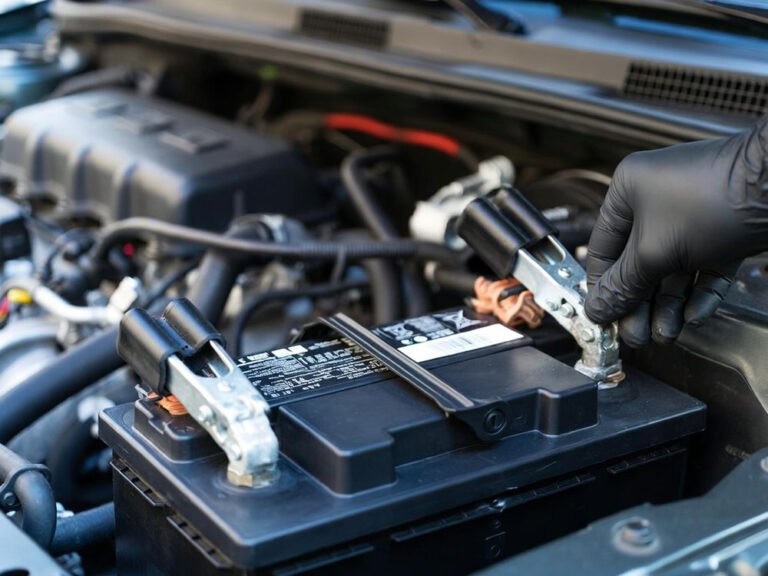
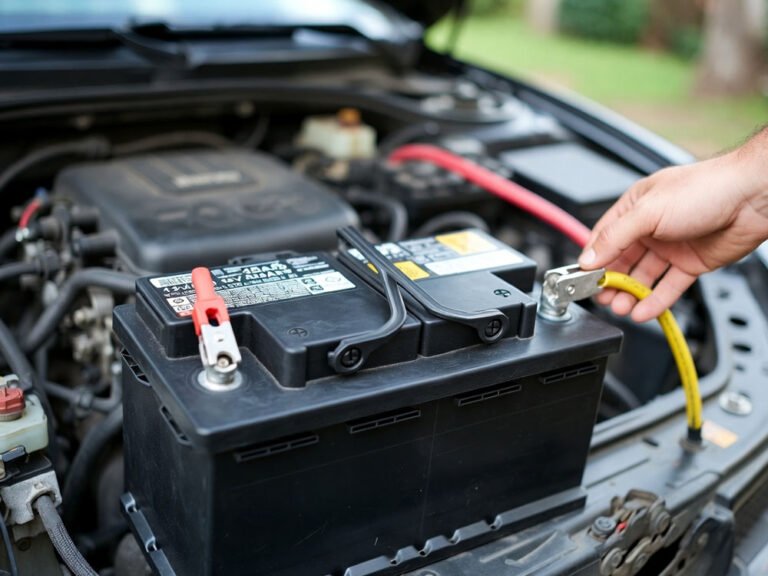
Yes, you can use a set of jumper cables and another car. You would connect the cables to the battery leads of your car before you remove the old battery. This is a bit tricky and requires a steady hand. Most people find the small plug-in savers much easier to manage.
Is it normal for the car to spark when I connect the new battery?
A small spark is very common and usually nothing to worry about. It happens because the car’s electronics are suddenly drawing power again. As long as you have the cables on the correct posts, a tiny spark is fine. Just make sure there are no fuel leaks nearby for safety.